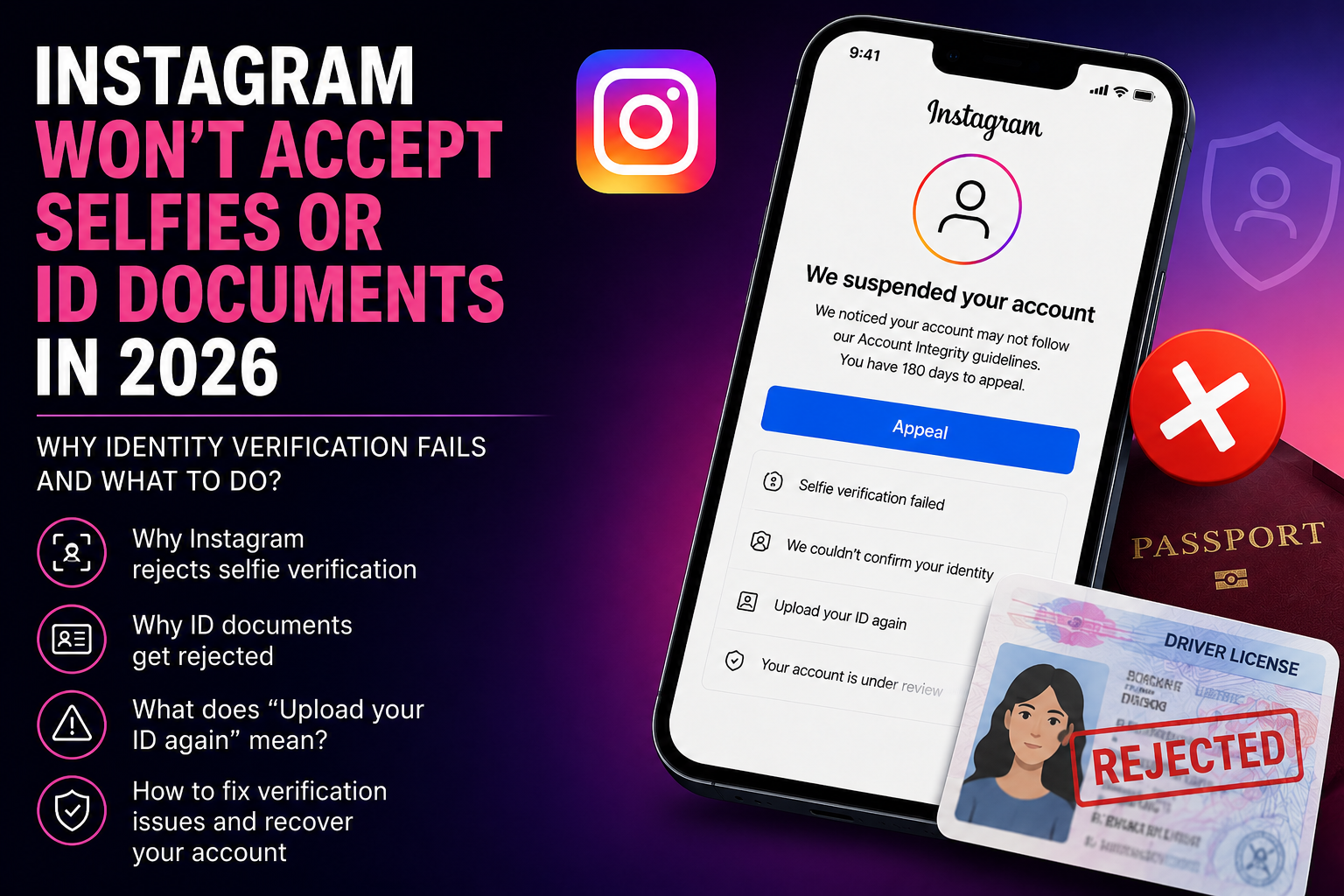
Instagram Won't Accept Selfies or ID Documents in 2026 — Why Identity Verification Fails and What to Do
In 2025–2026, thousands of Instagram users worldwide have faced a growing problem: after their account is suspended, Meta asks them to verify their identity, but the selfie video or identity document verification fails.
Many users receive a rejection even when using real documents and legitimate personal information.
These problems are especially common after suspensions related to Account Integrity, Suspended Account, Fake Account, and other automated Instagram restrictions.
Let's examine why Instagram rejects selfie verification and identity documents, whether it's possible to retry verification, and what actions may help recover your account.
What Does Identity Verification Failure Mean on Instagram?
After an account suspension, Instagram may ask the account owner to verify their identity.
The platform can request:
✅ phone number verification;
✅ email verification;
✅ video selfie verification;
✅ government-issued ID upload.
However, in recent years, more and more users have reported situations where Instagram rejects their identity verification or never completes the review process.
What Error Messages Do Users Usually See?
During identity verification, users commonly encounter messages such as:
- Selfie verification failed
- We couldn't confirm your identity
- Upload your ID again
- Your account is under review
- We suspended your account
- We can't review this decision again
In many cases, the account remains inaccessible for several days or even weeks.
Why Does Instagram Reject Video Selfie Verification?
There are several common reasons.
1. Poor Video Quality
Instagram may reject a selfie video if:
- lighting conditions are poor;
- the face is partially covered;
- the video is blurry;
- the camera quality is low;
- facial features are difficult to identify.
Meta's verification systems rely heavily on image quality and facial recognition algorithms.
2. Your Appearance Doesn't Match Your Profile Photos
Meta's systems may compare your selfie video to photos previously uploaded to your Instagram account.
Problems may occur when:
- there are no personal photos on the account;
- the account contains someone else's photos;
- your appearance has changed significantly;
- the account has been inactive for a long period.
3. Meta AI Detection Errors
In 2025–2026, users have increasingly reported cases where Instagram incorrectly rejects legitimate selfie verifications.
These errors affect:
- personal accounts;
- bloggers;
- business accounts;
- online stores;
- media projects.
In many cases, users cannot identify any actual policy violation.
Why Does Instagram Reject Identity Documents?
One of the most common problems is automatic rejection of identity documents.
1. Glare or Reflection on the Document
Instagram may reject an ID if:
- there is glare on the document;
- the image is overexposed;
- text is difficult to read;
- the lighting conditions are poor.
Meta recommends taking photos in bright, even lighting without using flash.
2. The Edges of the Document Are Not Visible
Meta's systems generally require the entire document to be visible.
The uploaded photo should clearly show:
✅ all four corners of the document;
✅ the owner's photograph;
✅ full name;
✅ date of birth;
✅ document number and details.
If any part of the document is cropped, the verification may be rejected automatically.
3. Improper Background
Based on practical experience, identity documents are more likely to pass verification when:
- placed on a plain dark background;
- no other objects are visible;
- the image has good contrast.
Many users report higher success rates when using a black background during document photography.
4. Account Information Doesn't Match the Document
Instagram may reject verification if the account details do not match the submitted identity document.
For example:
- the date of birth differs;
- a different name is used;
- the account belongs to another person;
- profile information appears inconsistent.
Why Does Instagram Keep Asking You to Upload Your ID Again?
Some users experience an endless verification loop.
Instagram repeatedly displays messages such as:
- Upload your ID again
- Submit your identity document
- Verify your identity
Even though the document uploads successfully, the verification process never completes.
This problem is often associated with technical issues or automated review failures.
What Should You Do If Instagram Won't Let You Upload Your ID?
If Instagram continuously requests another document upload, you can try:
✅ using a computer instead of the mobile app;
✅ trying a different browser;
✅ disabling VPN and proxy services;
✅ clearing browser cache and cookies;
✅ using a different device;
✅ waiting several hours before trying again.
In many cases, users report that uploading documents through a desktop browser works more reliably than through the Instagram mobile application.
Can You Submit Selfies or Documents Again?
In most cases, Instagram only provides one or two opportunities to complete identity verification.
After repeated failures:
- selfie verification may become unavailable;
- document upload options may disappear;
- the account may enter Under Review status;
- the account may later receive an Account Integrity suspension.
Therefore, before submitting identity verification, it is recommended to ensure that:
✅ the image quality is high;
✅ there are no reflections or glare;
✅ all document edges are visible;
✅ account information matches the document;
✅ a high-quality camera is used.
How Long Does Instagram Identity Verification Take?
Verification times vary significantly.
The review process may take:
- several hours;
- several days;
- several weeks;
- and in some cases, no response may ever be received.
Unfortunately, Instagram does not provide exact review timelines.
Can You Recover an Account After Verification Failure?
The chances of recovery depend on the specific situation and the stage of the review process.
Higher chances of recovery:
- an appeal is still available;
- selfie verification remains accessible;
- documents have not been permanently rejected;
- the suspension occurred by mistake;
- the account is currently in Under Review status.
Lower chances of self-recovery:
- the appeal has already been rejected;
- Instagram issued a final suspension decision;
- identity verification is no longer available;
- the account received a permanent Account Integrity restriction.
Can an Account Be Recovered After Selfie or Document Rejection?
Yes. In some situations, account recovery remains possible even after Instagram rejects a selfie verification or identity document and issues a final decision.
Despite the seriousness of Account Integrity restrictions, some accounts can still be restored through properly structured recovery strategies and available manual review mechanisms.
Practical experience shows that even after unsuccessful identity verification attempts, an account should not always be considered permanently lost.
Many users repeatedly submit appeals, continuously upload documents, or create multiple replacement accounts, which can further complicate the recovery process.
For this reason, it is often recommended to carefully evaluate the situation before taking additional actions.
Tips from Unban.net Specialists
✅ Use bright, even lighting without flash.
✅ Place identity documents on a black or dark background.
✅ Make sure all four corners of the document are visible.
✅ Verify that your account information matches your identity document.
✅ Avoid repeatedly submitting selfies or documents within a short period.
Frequently Asked Questions
Why won't Instagram accept my selfie?
Possible reasons include AI errors, poor image quality, lack of personal photos on the account, or technical issues.
Why did Instagram reject my ID?
The most common reasons are:
- glare on the document;
- cropped edges;
- poor image quality;
- mismatched account information.
Can I upload my ID again?
In most cases, Instagram only provides one or two opportunities to complete identity verification.
What should I do if my account is Under Review?
It is generally recommended to wait for the current review process to finish rather than repeatedly submitting new requests.
Can a permanently disabled Instagram account still be recovered?
In some situations, recovery remains possible, although there is no guaranteed recovery method.
Conclusion
In 2026, identity verification failures have become one of the most common problems affecting Instagram users worldwide.
Many suspensions occur automatically, and Meta's AI systems may incorrectly reject selfie verification and identity documents even for legitimate account owners.
If Instagram refuses to accept your selfie or ID document, it is important to avoid random actions, carefully verify the quality of the uploaded files, and use all available identity verification methods.
Need Help Analyzing Your Instagram Suspension?
If your Instagram account has been suspended and you cannot pass identity verification, the specialists at Unban.net can analyze your case and help determine possible recovery options.
📩 Telegram: @IGfix
📢 Telegram Channel: @instagram_razblokirovka